
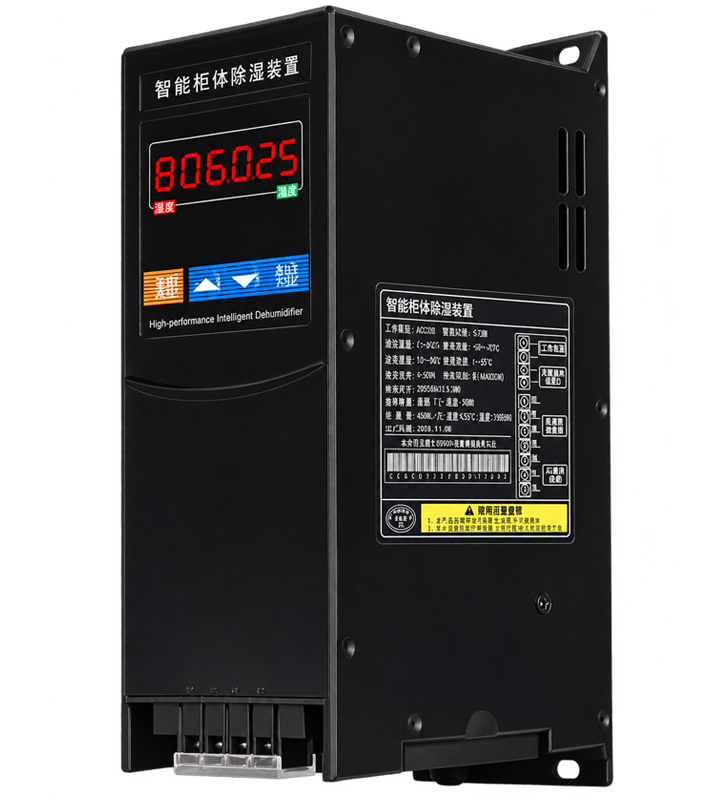
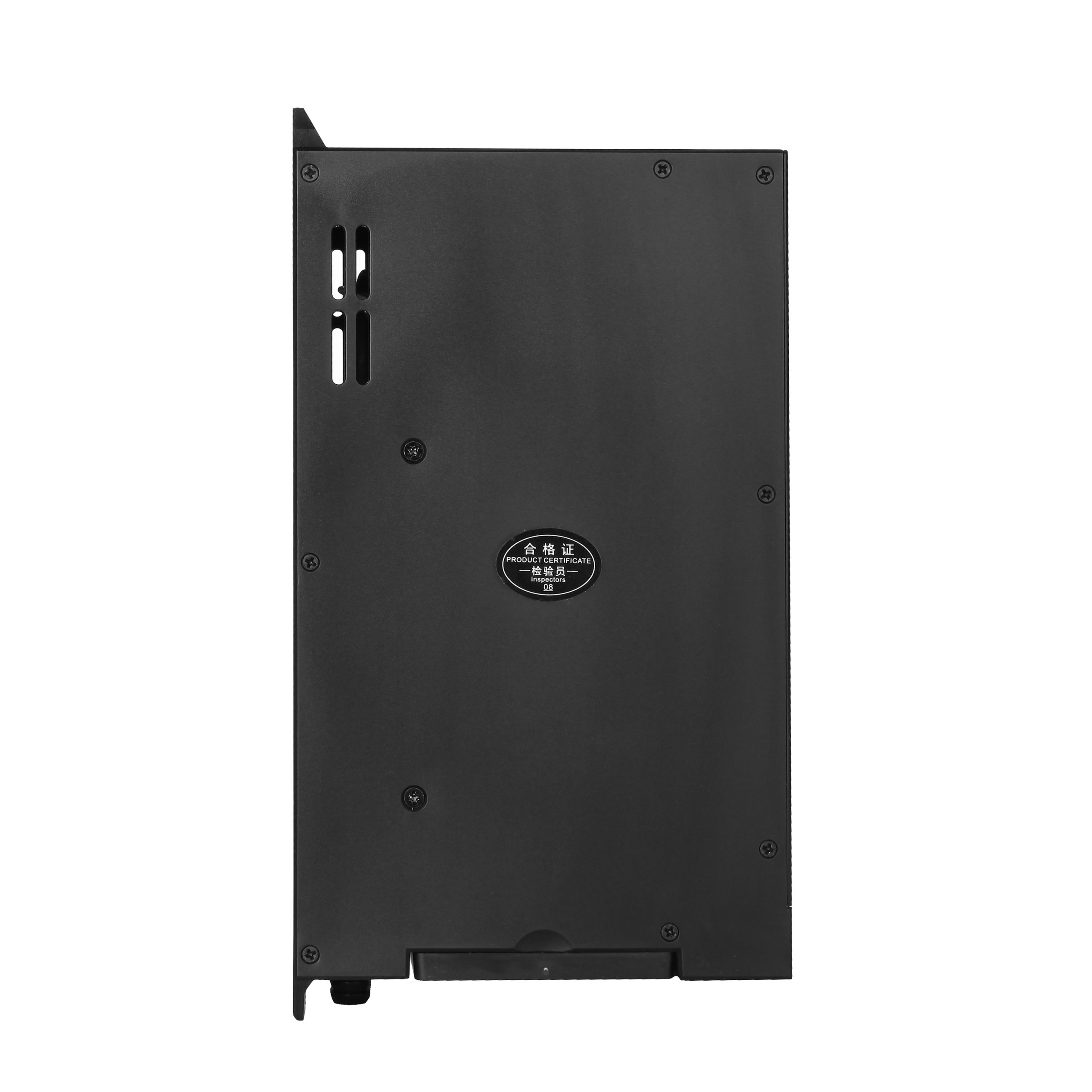
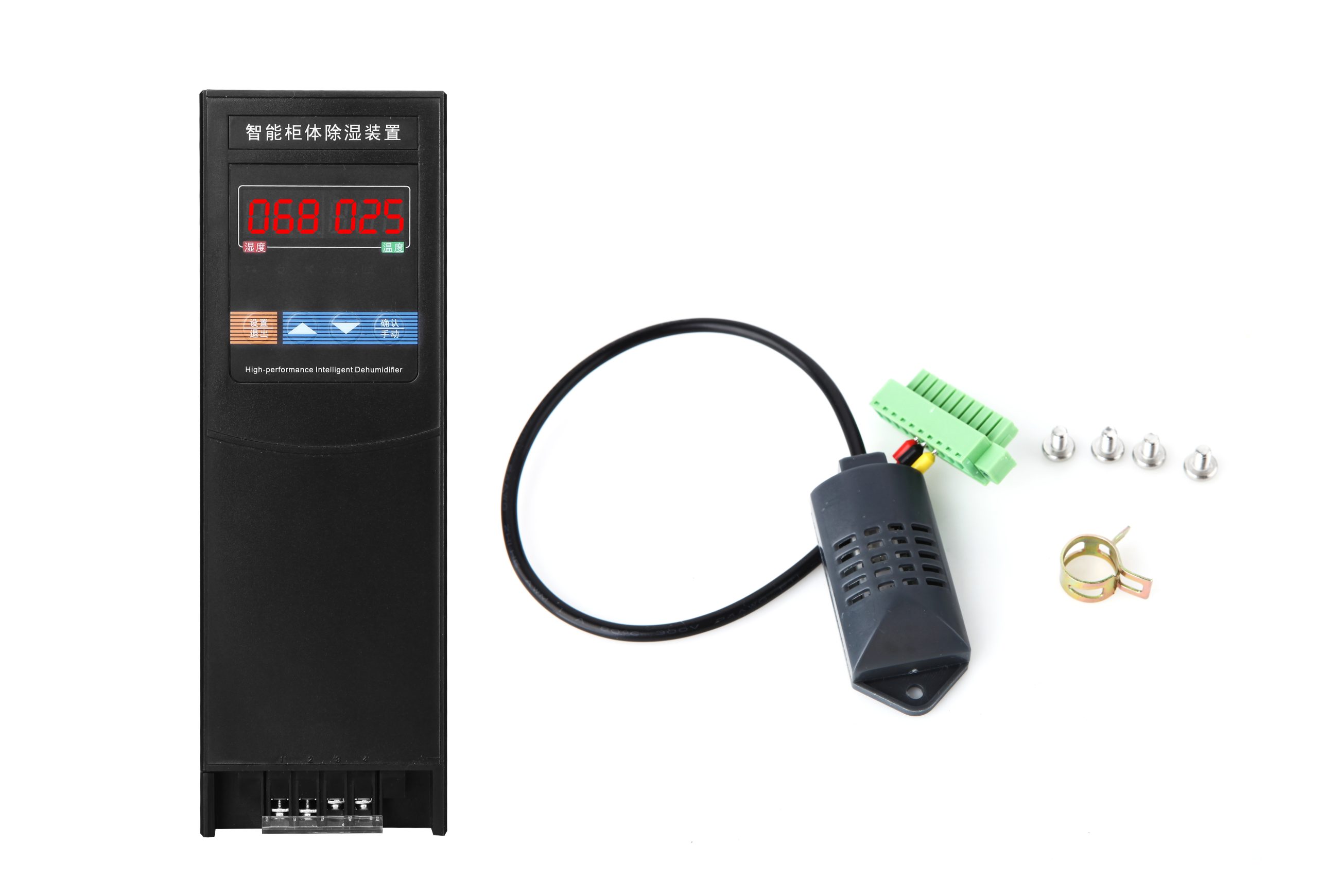
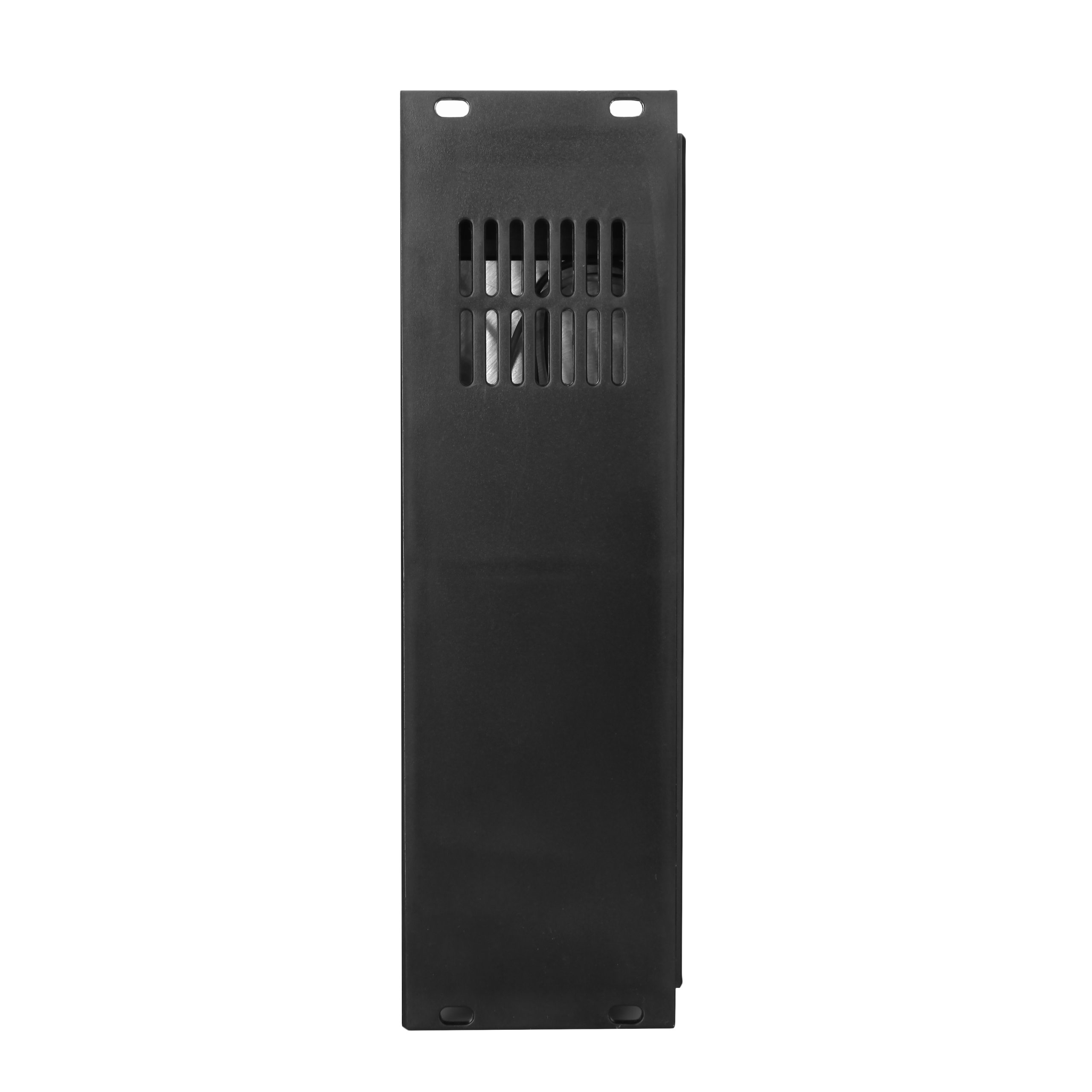
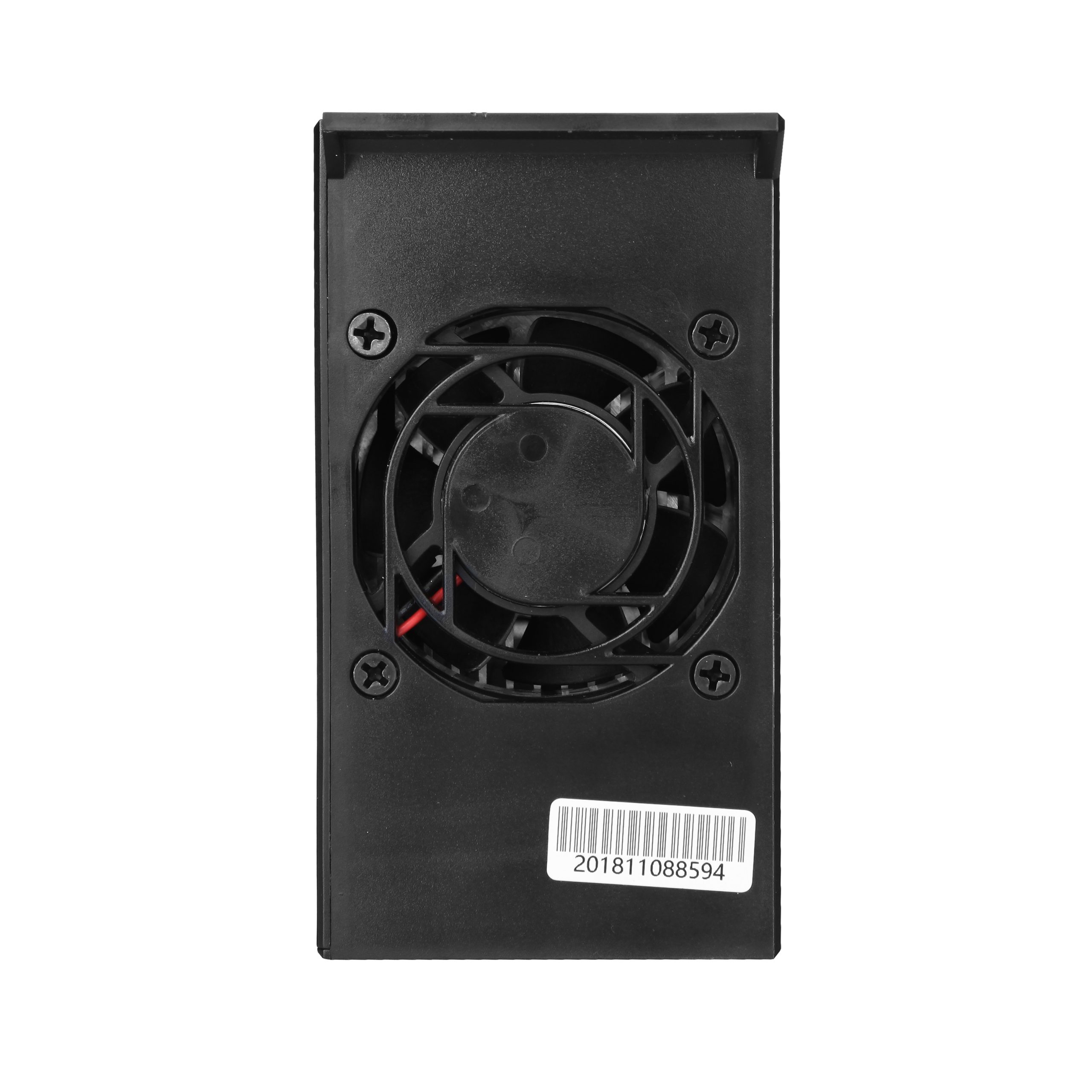
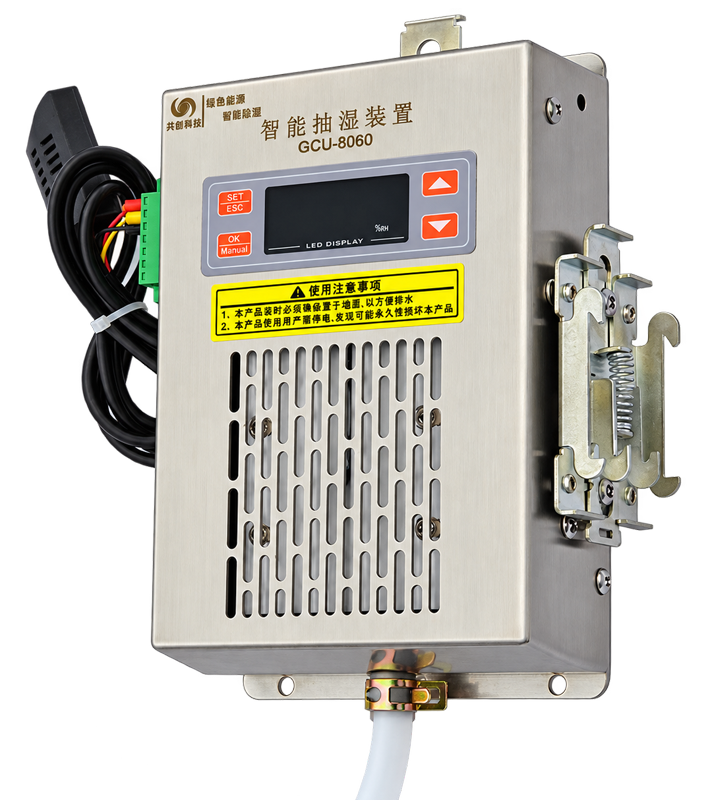
The GCQ Series thermoelectric dehumidifier removes 450 mL/day at 60W (35°C, 85% RH) and drains it out of the cabinet through a silicone hose. Its flat, flame-retardant ABS housing and external sensor suit switchgear and control panels. A six-digit display shows humidity and temperature, fault codes simplify troubleshooting, and RS485 Modbus-RTU (S models) links up to 200 units to one host. Automatic defrost and a three-year warranty are standard, and an external 50–300W heater can be controlled for cold sites.
Availability:In Stock
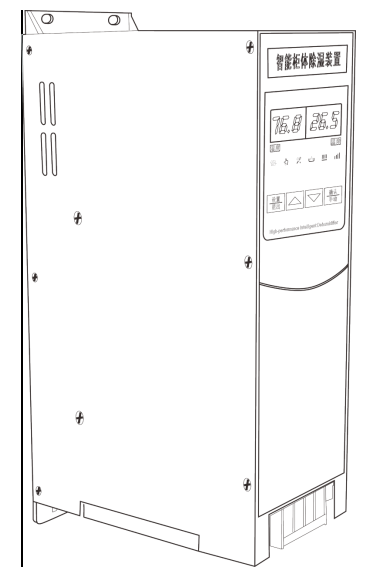
| Parameter | Specification | Parameter | Specification |
|---|---|---|---|
| Power Supply | AC220V | Dehumidification Efficiency | 450 mL/day (60W, at 35°C, RH = 85%) |
| Heating Power | 50–300W | Dehumidifying Temperature | 5°C to 45°C |
| Total Power | 78W | Operating Temperature | -20°C to 75°C |
| Humidity Detection Range | 20% RH to 98% RH | Temperature Detection Range | -20°C to 120°C |
| Dehumidification Start Value | 25% RH to 98% RH | Temperature Start Value | 1°C to 55°C |
| Humidity Measurement Accuracy | ±5% RH | Temperature Measurement Accuracy | ±1.5°C |
| Display Type | 6-digit digital display | Display Resolution | 0.1 |
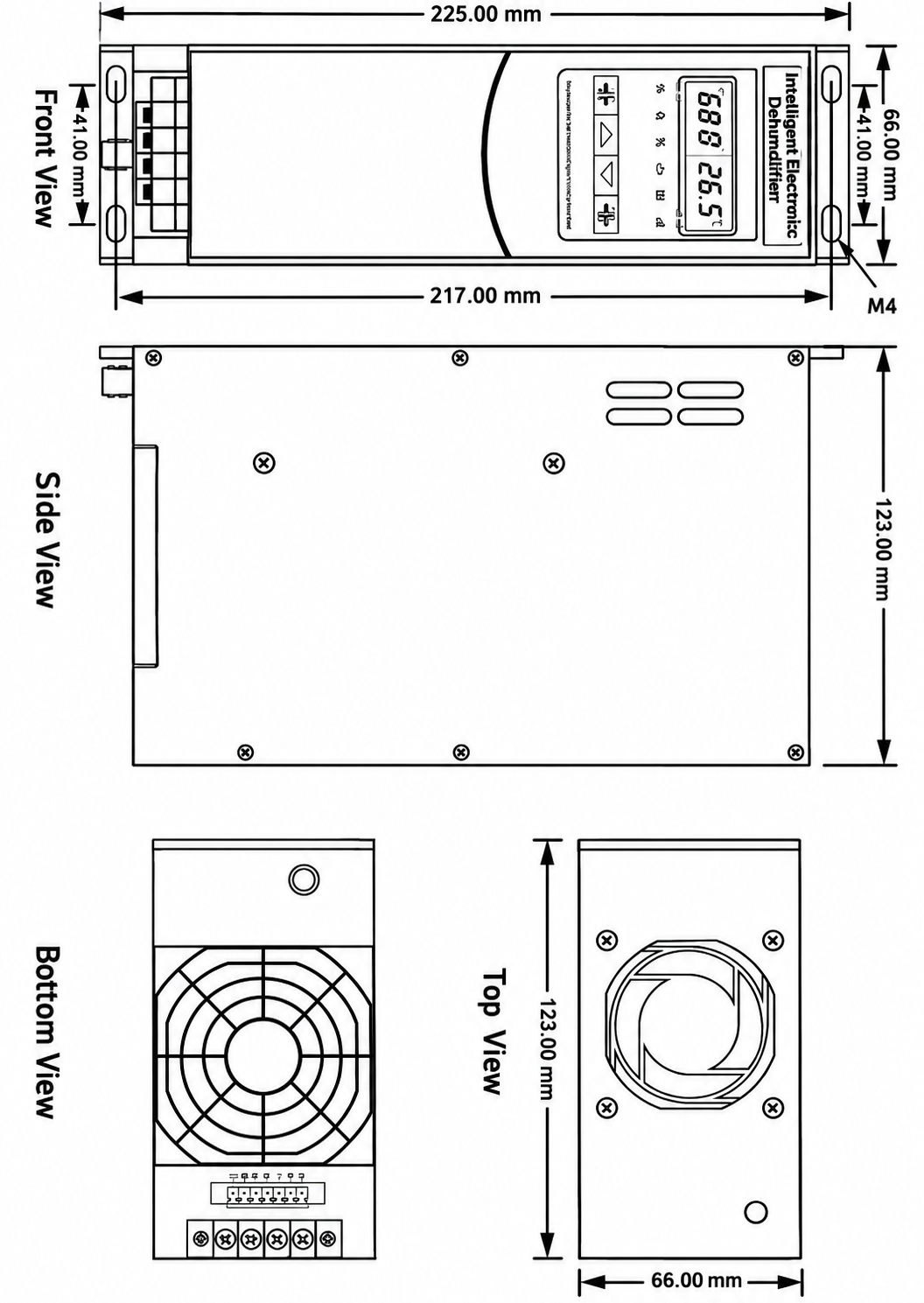
| Housing Material | Flame-retardant ABS | Dimensions | 205 × 66 × 123 mm (W × D × H) |
| Net Weight | 1.2 kg | Drain Hose | Silicone, D10 mm, L1.5 m |
2.1. Structure: The GCQ-8000 intelligent dehumidifying device consists of a power supply system, an air supply system, a thermoelectric (semiconductor) cooler, a temperature and humidity detection and control circuit, a heating circuit, a wireless module and a drainage line.
2.2. Dehumidification principle: Humid air is drawn in by the fan and flows through a specially designed air duct. It is first cooled by the thermoelectric cooler, where condensation forms. Under gravity, the condensate drips into the water guide trough and then flows out of the cabinet through the drain hose. Through thorough circulation and dehumidification within the set start value, the humidity of the air inside the cabinet is reduced below the condensation point, completing the entire moisture-proofing, condensate-guiding and heating process. At the same time, the signal acquisition sensor of the intelligent dehumidifying device is mounted externally, so it can capture the true humidity inside the cabinet accurately and in real time, ensuring that the device starts dehumidifying in advance when the cabinet is about to reach condensation conditions.
3.1. Power-on display: When power is connected, the dehumidifying device starts up and enters self-test. After self-test, the left digital display shows the software version number and the right digital display shows the communication address (if the unit does not have communication, the right display shows the maximum dehumidifying hardware power). After 3 seconds the device enters working mode; the left display then shows the humidity value and the right display shows the external sensor temperature value.
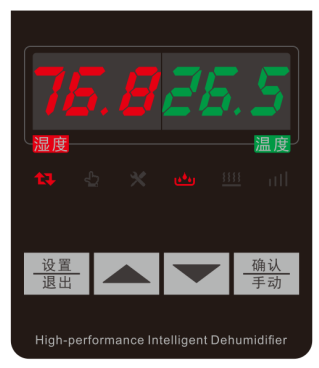
3.2. Display symbols
4.1. Manual/automatic mode switching: When the device is in automatic mode, the “Auto” indicator is on and the “Manual” indicator is off. Press the “Confirm” button once: the “Auto” indicator turns off, the “Manual” indicator turns on, and the device starts the dehumidifying module. Press the “Confirm” button again and the device switches back to automatic mode automatically. When the dehumidifying module has exited manual operation, pressing the “Confirm” button again starts the manual heating module; press the “Confirm” button once more and the device switches back to automatic mode automatically.
4.2. Parameter settings: After power-on and a successful self-test, the device automatically enters automatic mode and the six-digit display shows the current humidity and temperature values. Press the “Set” button to set the dehumidification start value, dehumidification cut-off value, heating start value and communication address.
2.1 Setting the humidity start value: With the device operating normally (normal status is when the six-digit display shows the current temperature and humidity values), press the “Set” button to enter setting mode. When the left display shows P1, press the “Confirm/Manual” button; the right-hand digits flash. Press “Up” or “Down” to change the humidity start value. When finished, press “Confirm/Manual” to save; the digits stop flashing. The humidity start value setting is complete.
2.2 Setting the humidity cut-off value: With the device operating normally (normal status is when the six-digit display shows the current temperature and humidity values), press the “Set” button to enter setting mode. Press “Up” or “Down” until the left display shows P2, then press the “Confirm/Manual” button; the right-hand digits flash. Press “Up” or “Down” to change the humidity start value. When finished, press “Confirm/Manual” to save; the digits stop flashing. The humidity cut-off value setting is complete.
2.3 Setting the temperature start value: With the device operating normally (normal status is when the six-digit display shows the current temperature and humidity values), press the “Set” button to enter setting mode. Press “Up” or “Down” until the left display shows P3, then press the “Confirm/Manual” button; the right-hand digits flash. Press “Up” or “Down” to change the temperature cut-off value. When finished, press “Confirm/Manual” to save; the digits stop flashing. The temperature start value setting is complete.
| Parameter No. | Description | Setting Range |
|---|---|---|
| P1 | Humidity start value | 25% RH to 98% RH |
| P2 | Humidity cut-off value | Start value -3 to start value -15 |
| P3 | Temperature start value | 1–50. Without temperature control, this parameter cannot be adjusted; the temperature cut-off value does not need adjustment. Default hysteresis: 5°C |
4.3. Communication address adjustment: Connect the power. While the device is in self-test, press the “Down” button to enter the communication address screen. Press “Up” or “Down” to adjust the address, then press “Confirm/Manual” to save and press “Set” to exit.
4.4. Viewing the internal temperature: On the main working screen, press the “Down” button to display the internal temperature value. After 8 seconds the display automatically returns to the external temperature value, or press “Down” once to switch back to the external temperature value.
4.5. Viewing fault codes and the running status of the thermoelectric element and fan: On the main working screen, press the “Up” button to display the fault code (when the device has a fault, it gives a beeping alarm). When there is no fault, pressing “Up” displays the internal thermoelectric element and fan current (left: thermoelectric element current; right: fan current).
5.1. Low-temperature heating: When the enclosure temperature falls below the set start value, the device starts the internal temperature control circuit (external heater, 50–300W can be connected) until the enclosure temperature rises to the set start value plus 5°C, when the temperature control circuit stops.
5.2. RS485 communication: When the device receives data from the host computer (the communication indicator flashes rapidly), it analyses the data and immediately replies to the host. One host can connect up to 200 units (a 120-ohm load resistor between A and B is recommended at the host end). [The RS485 communication supports two protocols: the company’s custom protocol and the Modbus-RTU protocol.]
5.3. Fault output, fault code meanings and solutions: Fault detection: when a fault occurs, the buzzer sounds an alarm, a fault code is displayed and the powered (active) contact closes (the output terminal outputs a voltage equal to the supply voltage). The main faults are: fan fault, thermoelectric element fault, and temperature or humidity sensor fault.
| Fault Code | Alarm Meaning | Solution |
|---|---|---|
| F1 | Fan stall alarm | Check the fan for foreign objects |
| F2 | Fan not controlled | Fan or control circuit fault; contact our after-sales service. |
| F4 | ||
| F8 | Thermoelectric element efficiency reduced or not controlled | Thermoelectric element or control circuit fault; contact our after-sales service. |
| F10 | ||
| 125/99.9 | Sensor fault | Check that the sensor terminals are connected. |
Notes: 1. When several faults occur at the same time, the alarm values are added together; for example, when F2 and F10 occur together, the displayed alarm value is F12. 2. A fault may be caused by incorrect parameter settings; please check all parameters.
5.4. High-humidity automatic heating: When the current humidity exceeds 80%, the heater starts (heater operation is then not controlled by temperature). When humidity falls to 73%, the heater switches off (heater start and stop are then controlled by temperature).
5.5. Automatic defrost: When the internal sensor detects frost on the cold-side heat sink, the device automatically starts defrosting and the dehumidifying indicator flashes. When the ice on the cold-side heat sink has been completely removed, the device automatically returns to normal operation (defrosting usually takes 30–60 seconds).
5.6. Dehumidification (heating) timer: When the device has dehumidified (heated) continuously for 10 hours (default 10 hours), it unconditionally stops dehumidifying (heating) for 1 hour (default 1 hour), and the dehumidifying (heating) indicator flashes. After 1 hour, it starts or stops again according to the on-site temperature and humidity.
5.7. High-temperature protection: When the device detects an ambient temperature above 70°C, high-temperature protection starts: the dehumidifier stops dehumidifying and the fan runs to dissipate heat. When the temperature falls to 40°C, the device exits high-temperature protection.
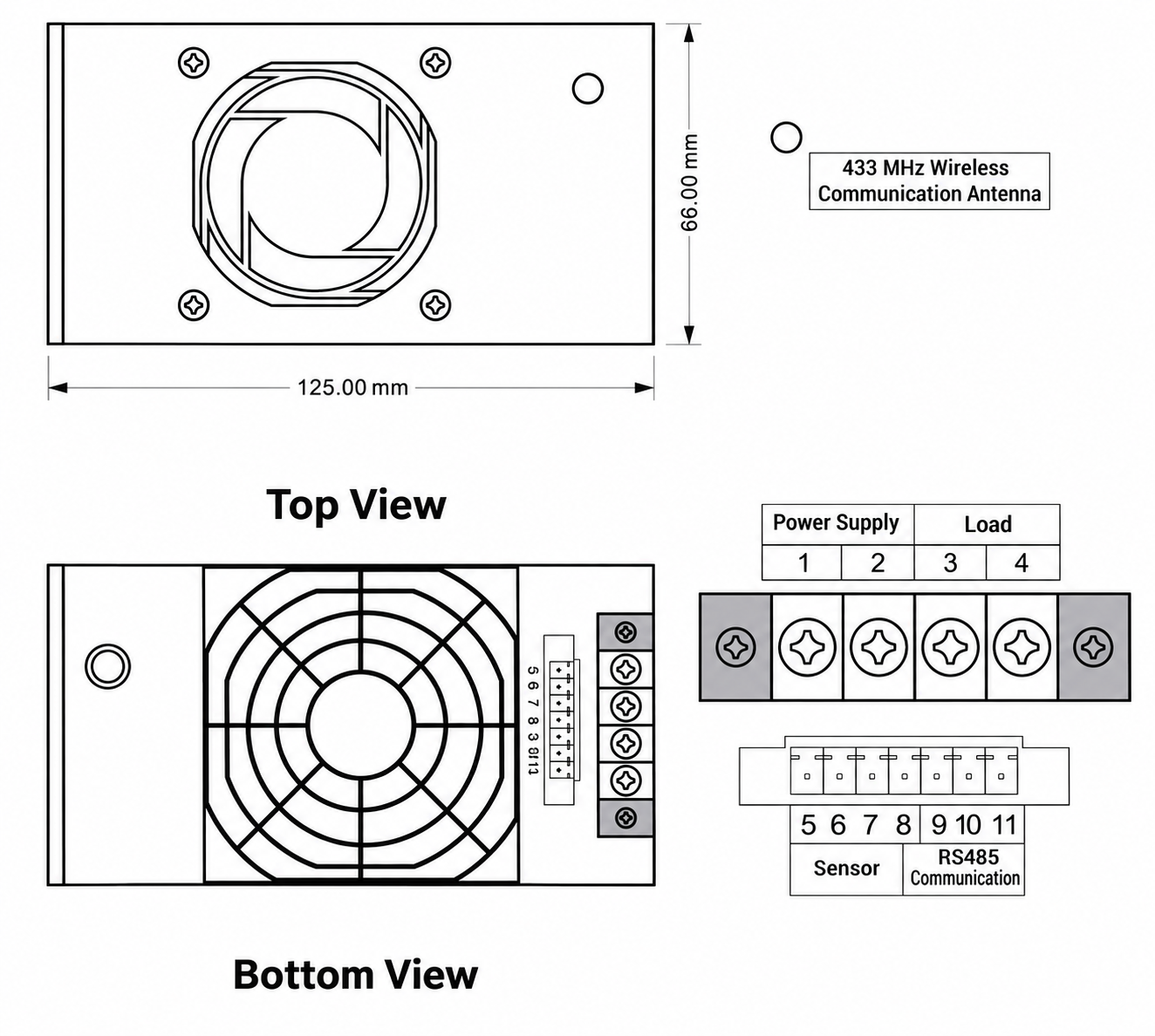
6.1. Mounting: Fix with M4 screws or 4 mm rivets. The device must be mounted upright with the water outlet facing down.
6.2. Air outlet clearance: Keep more than 5 cm of space between the front of the device and other equipment to ensure airflow from the front fan outlet.
6.3. Drain hose installation: Connect one end of the drain hose to the device’s drain outlet and secure it with a hose clamp. Keep the hose clear along its length, without coiling, so water drains easily. Route the other end outside the enclosure.
6.4. Power wiring: Connect AC220V power to terminals 1 and 2.
6.5. Load wiring: Connect the load to terminals 3 and 4; the output is a dry (passive) switch contact.
6.6. Temperature and humidity sensor wiring: Red wire to pin 5; black wire to pin 6; yellow wire to pin 7; blue wire to pin 8.
6.7. RS485 communication wiring: Pin 9 to ground; pin 10 to B; pin 11 to A.
6.8. Wiring and installation diagrams:
This product carries a three-year warranty from the date of delivery. During the warranty period, if the product is damaged due to a quality problem, the company will replace it free of charge. For damage caused by improper use or other non-quality reasons, or after the warranty period has expired, the company provides lifetime repair and maintenance, charging only for parts (a technical guidance fee applies if on-site service is required).
| No. | Item | Qty | Note |
|---|---|---|---|
| 1 | GCQ Series intelligent dehumidifying device | 1 unit | Standard |
| 2 | Product manual | 1 copy | Standard |
| 3 | Certificate of conformity / warranty card | 1 copy | Standard |
| 4 | High-temperature-resistant silicone drain hose | 1.5 m | Standard |
| 5 | Hose clamp | 1 pc | Standard |
| 6 | Mounting bracket and screws | 1 set | Standard |
There are no reviews yet.